 Seedance / VIDEO MODEL
01
Text to Video
Describe one subject, a clear action and how the camera moves.
Seedance / VIDEO MODEL
Up to 30-second scenes, multimodal references and native video extension.
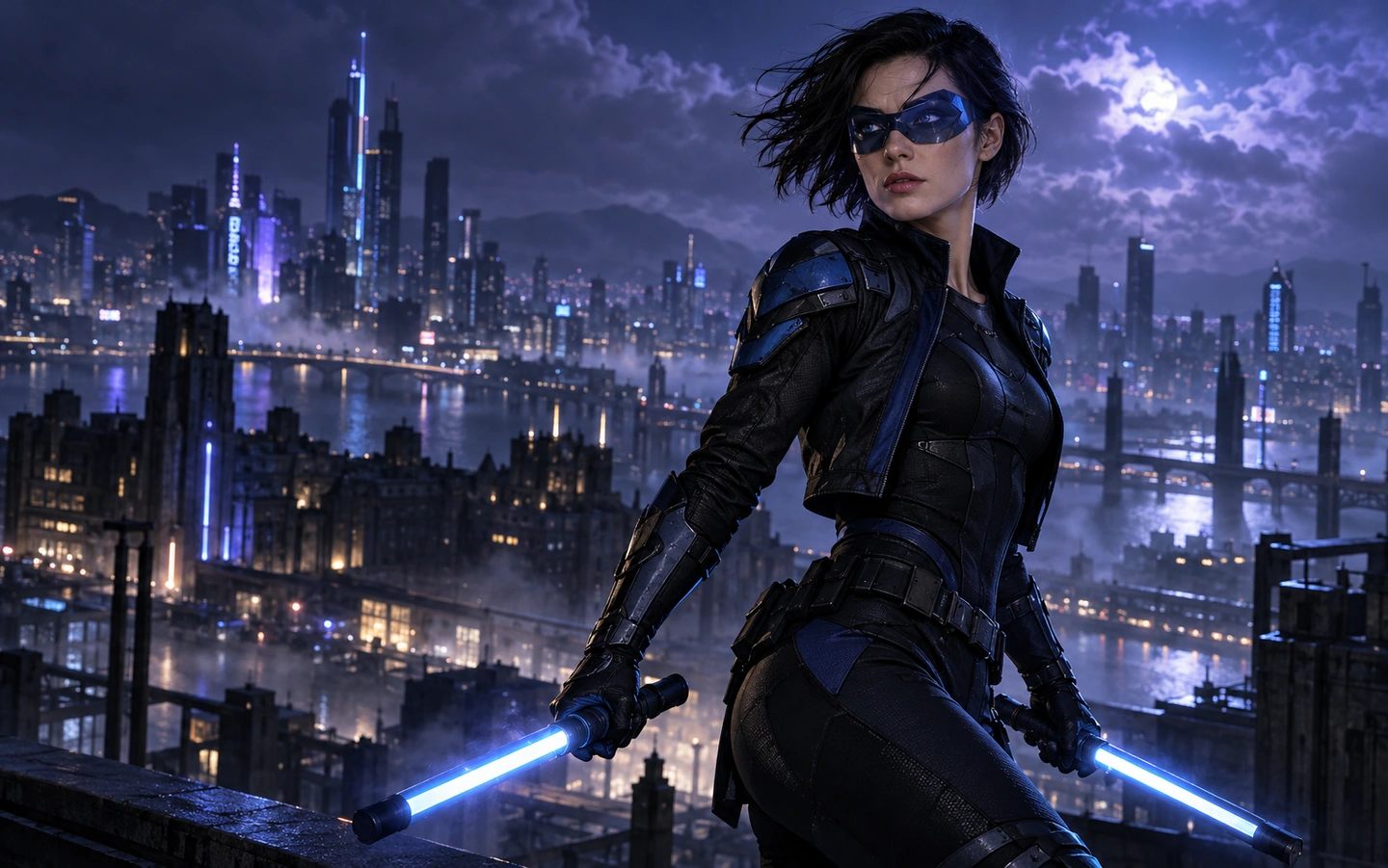
Your generated video will appear here.
Write a scene, animate an authorized image, or guide a new scene with a reference video when this model supports it. Review the native settings and full credit quote before submitting.
Describe one subject, a clear action and how the camera moves.
Use a supported image role, then describe the motion after the starting frame.
Choose a compatible model for your reference clip. Native video seconds are included in the quote.
MEET SEEDANCE 2.5
Seedance 2.5 in Nightwing AI supports text, photo references and mixed image, video and audio inputs. Choose a 4–30-second output at 480p, 720p or 1080p; your membership also sets the available duration and output quality. Max unlocks scenes up to 30 seconds.
Every paid order includes the complete workbench. Continue a completed scene using its video as a reference; each continuation is a separate clip with source and output seconds included in its credit quote. Premium take includes one successful 15-second 720p video, including eligible theme character replacement and photo preparation. Additional takes, custom references and scene continuation use separately quoted shared credits.
THE POSSIBILITIES
Choose the input that fits your idea, then shape the motion. Clips below are local sample footage for the layout.
Choose a continuous action that fits the selected duration. Pro supports up to 15 seconds and Full HD; Max allows up to 30-second Seedance 2.5 output. Shorter drafts are available when you want to compare directions before spending more credits.
A clear beginning and a restrained movement are easier to judge than a long list of effects.
Switch to Image to video and upload photos you own or have permission to use. Reference images describe appearance and context; they are not guaranteed opening or ending frames. Explain what each picture contributes to the scene.
This route supports up to nine image references. Premium take includes built-in motion for eligible 15-second 720p themes. Custom video/audio references use separately quoted shared credits.
The workspace separates a single-video pass from general studio credits. A Premium take pass covers one successful 15-second 720p generation with Seedance 2.5 or 2.0. Studio credit consumption follows the selected model and its fixed credit rules.
Confirmed technical failures restore a pass or release reserved credits once. An uncertain submission remains under review.
Open an available completed creation and choose Continue scene. Nightwing AI attaches your owned clip, selects Seedance 2.5 and adaptive framing, and lets you describe what happens next. Review the quote before submission; the original download deadline stays unchanged.
Available after a verified purchase; each continuation uses its quoted credits. This creates a new continuation clip, rather than automatically merging both files.
FROM IDEA TO A TAKE
A clear starting point, a focused brief and settings you can review before submitting.
Open Seedance 2.5 in the generator above. Choose Text to video for a written scene or Image to video when you have an opening composition. Choose Multi-reference when several files have distinct roles.
Write the subject, action, camera direction and lighting. In image mode, add a first frame and an optional compatible last frame. If using appearance references, select the reference-image control and assign roles to up to 30 images.
Choose 480p or 720p or 1080p output. Pick a supported duration from 4 to 30 seconds. Set the aspect ratio for the destination. Review the estimate after changing a setting or adding a reference clip.
When generation is enabled, submit after reviewing the brief and content checks. Track the request in Recent takes. Review the full clip for subject details, continuity and sound, then download a useful result or change one part of the brief for the next take.
A STARTING POINT, NOT A SCRIPT
Load a brief with supported settings in the full workspace. Review it and add your own images or references where required.
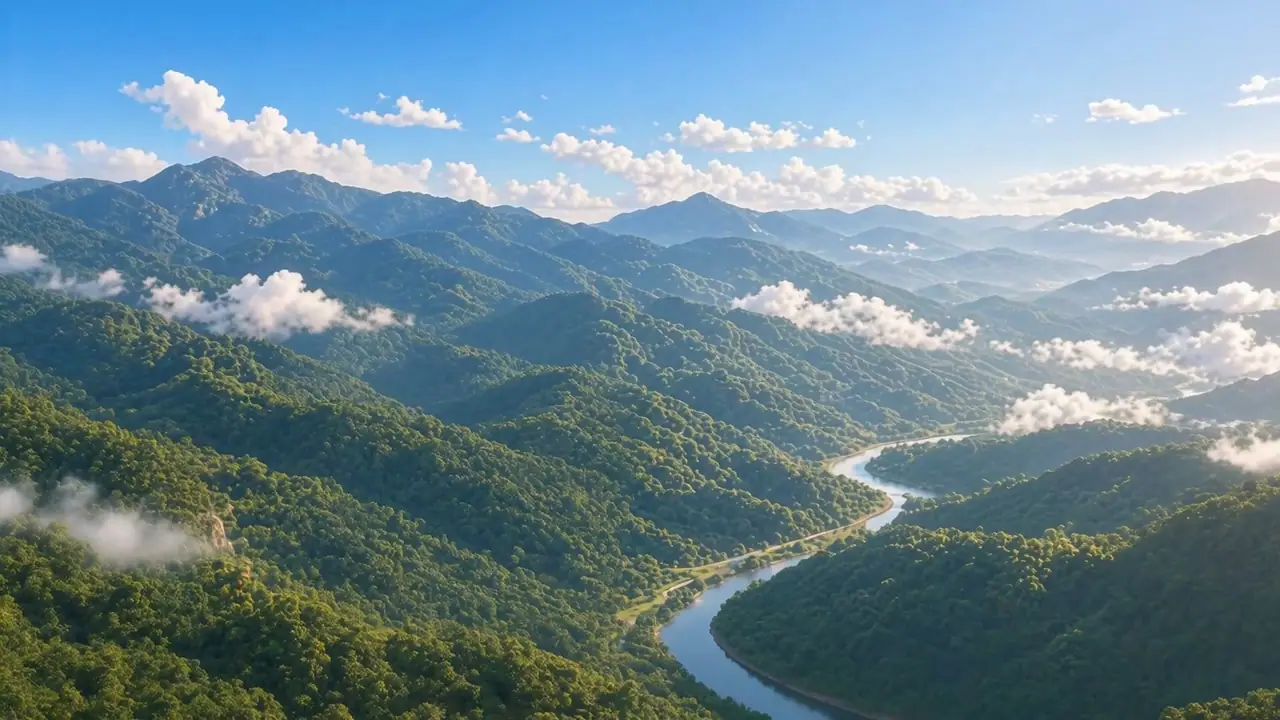
A traveler walks slowly along a sunlit coastal path, fabric moving gently in the breeze. A smooth lateral tracking shot follows one continuous action, warm natural light, realistic detail.
One continuous scene with a single camera move.
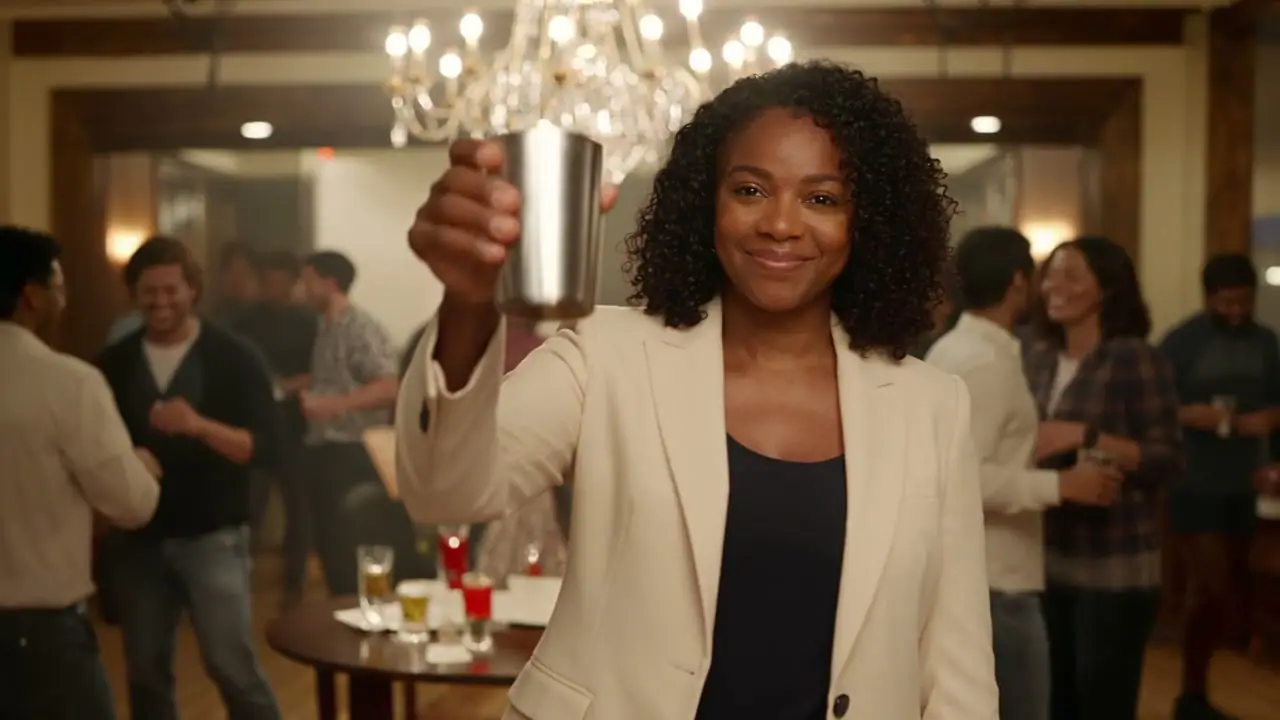
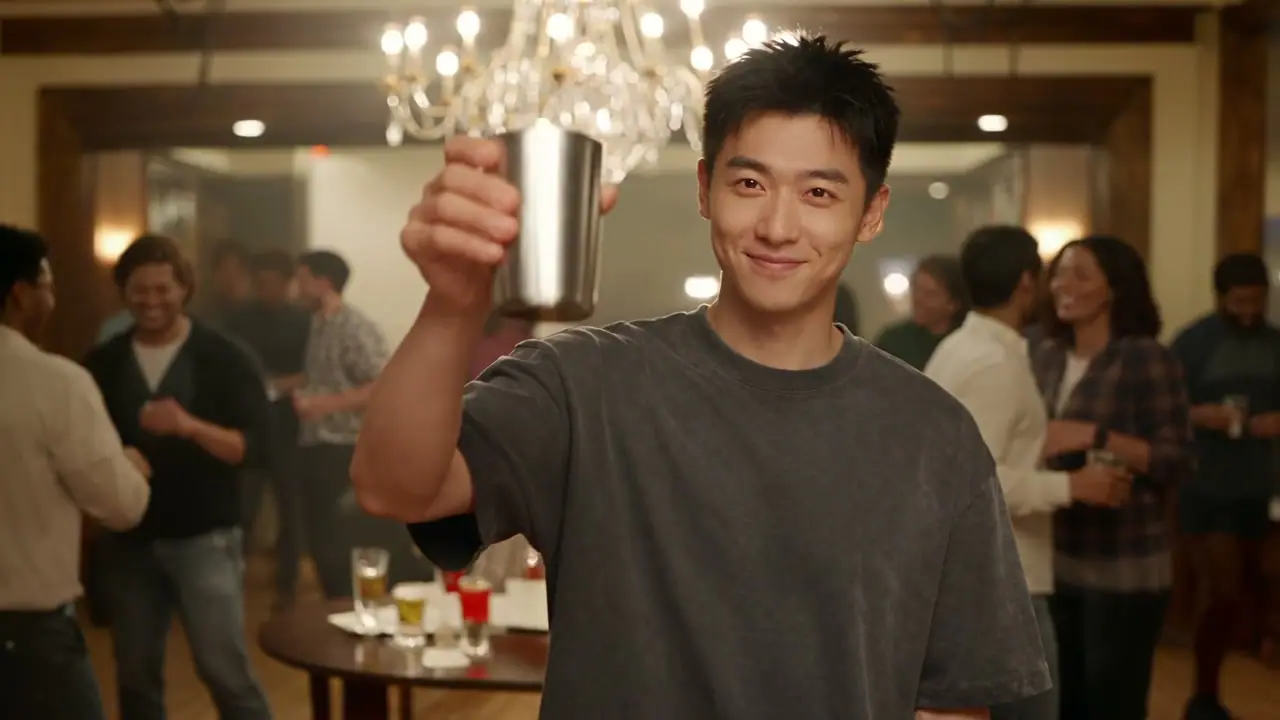
Keep the adult subject recognizable from the reference photo. They lift a cup naturally and smile gently. Warm ambient light, subtle background movement, slow camera push-in, one continuous scene.
Upload a photo you have permission to use; review likeness and movement.
PUT THE SHOT TO WORK
Start with the job the clip needs to do. Keep final editing and a full review in your workflow.
Use a portrait and one natural gesture for a short social scene. Review the face, hands and movement across the full result.
Describe the product, a simple action and the camera movement. Use authorized product images as visual references.
Keep the setting and lighting consistent while a subject moves through a readable composition.
BEFORE YOUR NEXT TAKE
Name the subject, one action, camera movement and lighting. Avoid conflicting references or unrelated style instructions.
Check the entire generated video and any sound before publishing. Passing content checks is not permission to publish prohibited material.
Generated video files expire after 24 hours. Download the original result before the displayed deadline.
THE SETUP
Every model has its own inputs and credit rules. Changing a setting refreshes your quote.
| Duration | 4, 5, 6, 7, 8, 9, 10, 11, 12, 13, 14, 15, 16, 17, 18, 19, 20, 21, 22, 23, 24, 25, 26, 27, 28, 29, 30 seconds |
|---|---|
| Output sizes | 480p · 720p · 1080p |
| Frame inputs | First frame + optional last frame |
| Additional references | 30 images · 10 videos · 10 audio files, where the mode supports them |
| Audio | Optional generated audio |
FIXED CREDIT RULES
A 20-credit content-check allowance is included once per request. Reference videos use the total uploaded duration, rounded up to a second.
| Resolution | Input | Rate |
|---|---|---|
| 720p | Text / supported images | 29 credits / output second |
| 480p | Text / supported images | 13 credits / output second |
| 480p | Text / supported images | 8 credits / output second |
| 720p | Text / supported images | 18 credits / output second |
| 1080p | Text / supported images | 52 credits / output second |
| 1080p | Text / supported images | 31 credits / output second |
Rate version v12-image-6-credits-2026-10-15. The final quote appears before submission. Generation requires sign-in and funded production credits.
Compare plans and credit allowances →BEFORE YOU CREATE
Inputs, output settings and credit rules for this workspace.
Text to video is supported: describe a scene and its movement. First frame + optional last frame are supported in image mode. A separate reference-image control accepts up to 30 images for appearance guidance.
480p, 720p, 1080p output is offered with durations from 4 to 30 seconds. The controls above use these same settings. A resolution selection describes the requested output and does not guarantee native detail or readable small text.
Multi-reference mode exposes up to 30 image, 10 video and 10 audio references. Explain each file's role in the prompt. Video-reference duration changes the estimate; inspect the quote after uploads are processed.
The credit table below the controls section lists this model's fixed rates for every supported output size. Some routes charge per request and others by duration. A content-check allowance is included once. Use Review credit estimate in the generator for the actual settings and uploaded reference duration before submitting.
This route has an optional generated-audio control under Audio, seed & camera. Describe relevant ambience or effects in the brief, then listen to the full result. Sound generation does not replace a final voice recording or music mix.
Prompts and image references are checked before submission. A rejection or unavailable check stops submission. These checks do not audit reference-video frames or audio tracks. Confirmed failed tasks release reserved credits once; an uncertain submission remains under review to avoid duplicate requests.
The current clips are local sample footage used to demonstrate the layout. They are not outputs from the displayed prompts, model benchmarks or evidence of a specific model's quality. Example prompts are editable starting points; image and reference examples require your own uploads.
FIND THE RIGHT FIT
Reference-led scenes, with controls for framing, motion, and sound.
480p / 720p / 1080p / 4K · 3 input modesExplore an idea and refine your next take with faster iteration.
480p / 720p · 3 input modesCompare the output with your brief and refine a more considered take.
720p / 1080p / 4K · 2 input modesYOUR NEXT SCENE
Start with a brief. Choose the inputs. Review the settings.
