Start with the input you have.
A prompt gives you a new scene. An image gives you a first frame. A reference video gives you a starting point for movement. Choose Text to Video, Image to Video or Video to Video before writing the direction.
Give the scene a clear direction.
Describe the subject, one main action and how the camera moves. If you upload an image, focus your prompt on movement. If you upload a video, say which motion to keep and which visual details should change.
A silver-haired adult heroine turns toward the stadium lights. The camera slowly moves closer as the crowd fades into the background.
Choose the model and native settings.
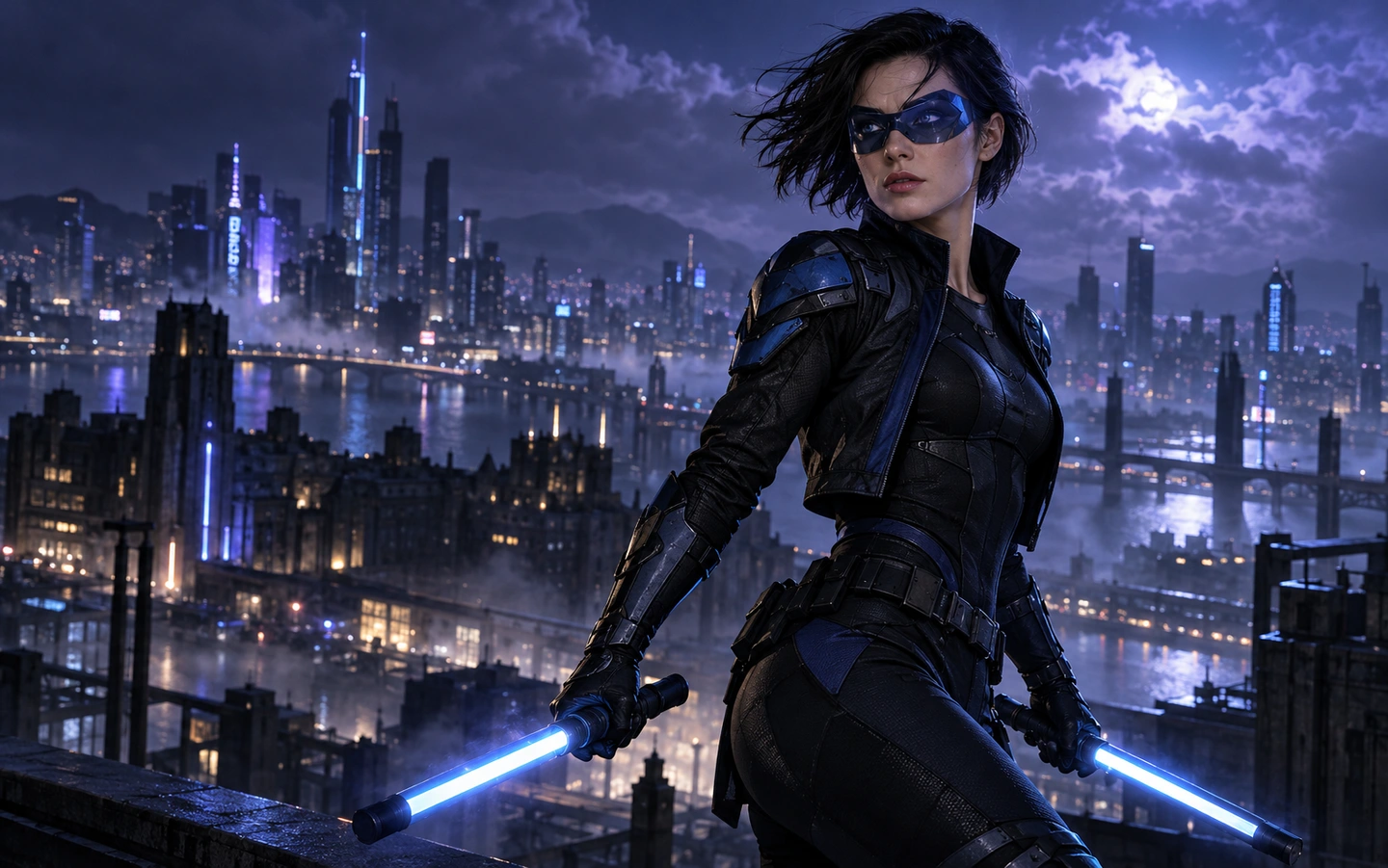
Models support different durations, formats, qualities and references. The included Nightwing example uses Seedance 2.5 at approximately eight seconds, vertical 9:16 and 480p with audio. Keep these fixed settings when using that example.
Review, generate and save.
Review the exact quote before submitting. When your video is complete, play it, check the sound and download it within 24 hours. Change one detail at a time when making another take.